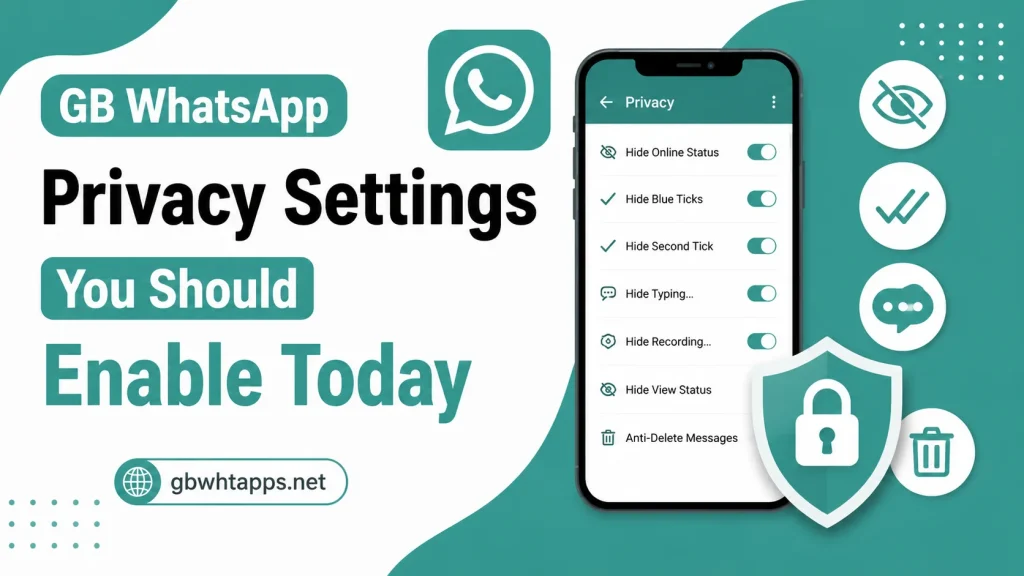
GB WhatsApp Privacy Settings You Should Enable Today
Introduction
Privacy has become one of the most important concerns for messaging app users. Whether you’re chatting with friends, family, or colleagues, having control over your personal information can make your messaging experience more comfortable and secure. This is one of the main reasons why many Android users choose GB WhatsApp.
Unlike the standard messaging app, GB WhatsApp offers a wide range of privacy settings that let you decide who can see your online activity, read receipts, typing status, and much more. These options allow you to customize your privacy according to your preferences while continuing to communicate normally.
This guide explains the most useful privacy settings available in GB WhatsApp, how to enable them, and when you should use them. For additional tutorials and feature guides, visit gbwhtapps.net.
Why Privacy Settings Matter
Every day, people share personal conversations, photos, videos, documents, and voice messages through messaging apps. Without proper privacy settings, others may be able to see more information than you want to share.
Using the right privacy options helps you:
- Protect your personal activity
- Reduce unwanted attention
- Control your online visibility
- Keep conversations more private
- Improve account security
- Customize your messaging experience
Taking a few minutes to configure these settings can significantly improve your privacy.
Accessing Privacy Settings in GB WhatsApp
You can access most privacy options directly from the settings menu.
Follow these steps:
- Open GB WhatsApp.
- Tap the menu icon.
- Open Settings.
- Select Privacy.
- Choose the feature you want to customize.
- Save your changes.
Most settings take effect immediately.
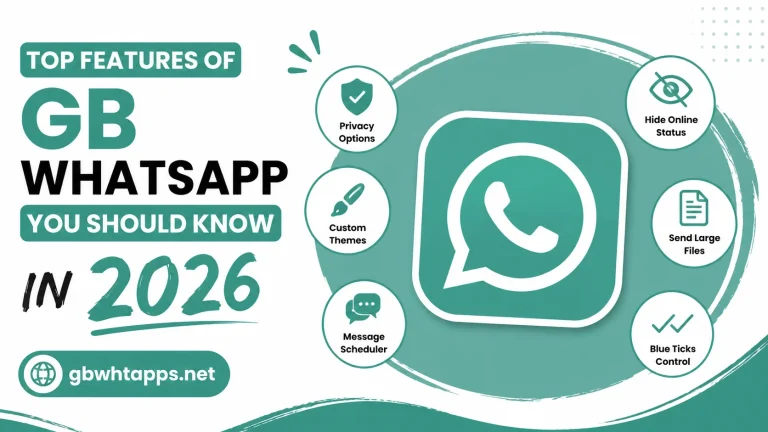
Hide Online Status
Your online status lets contacts know when you’re actively using the app.
By hiding it, you can:
- Read messages privately
- Browse chats without appearing online
- Reduce interruptions
- Control your visibility
This is one of the most popular privacy features in GB WhatsApp.
Freeze Last Seen
The Freeze Last Seen option keeps your last seen time fixed even while you continue using the app.
Benefits include:
- More privacy
- Less pressure to reply immediately
- Better control over your availability
- Consistent last seen timestamp
Many users enable this feature for everyday messaging.
Hide Blue Ticks
Blue ticks indicate that you’ve read a message.
By hiding them, you can:
- Read messages without notifying the sender
- Reply when convenient
- Reduce unnecessary expectations
This feature is especially useful for busy users.
Hide Second Ticks
Second ticks usually indicate that a message has been delivered.
Some users prefer hiding them for additional privacy.
Advantages include:
- Greater messaging privacy
- Less pressure to respond
- Better control over message delivery visibility
Hide Typing Status
Normally, contacts can see when you’re typing a message.
Disabling this feature allows you to:
- Type privately
- Edit messages without pressure
- Take your time replying
This setting is useful for users who prefer more privacy during conversations.
Hide Recording Status
When recording a voice message, GB WhatsApp can prevent others from seeing the recording indicator.
Benefits include:
- Greater privacy
- Record messages comfortably
- Reduce unnecessary interruptions
Disable Forwarded Tag
Some versions of GB WhatsApp allow you to remove or hide the forwarded label from forwarded messages.
This feature provides:
- Cleaner conversations
- Better message presentation
- More flexibility while sharing content
Control Who Can Call You
Unwanted voice or video calls can be distracting.
GB WhatsApp lets you manage incoming calls by:
- Blocking unknown callers
- Allowing only selected contacts
- Reducing spam calls
- Improving privacy
This feature is useful for users who receive frequent unwanted calls.
Lock Individual Chats
Protecting sensitive conversations is easy with chat locking.
Depending on your device, you can secure chats using:
- PIN
- Password
- Fingerprint
- Pattern lock
This adds an extra layer of protection to private conversations.
Hide Specific Chats
Instead of deleting conversations, you can hide them from the main chat screen.
Advantages include:
- Cleaner chat list
- Better privacy
- Easy recovery when needed
- Extra protection for important chats
This feature is especially useful for organizing conversations.
Anti-Delete Messages
Sometimes people delete messages after sending them.
With Anti-Delete Messages enabled, you can continue viewing those messages even after the sender removes them.
Benefits include:
- Read deleted messages
- Avoid missing important information
- Better conversation history
Anti-Delete Status
Similarly, GB WhatsApp allows you to view status updates even if the original poster deletes them before they expire.
This helps ensure you don’t miss shared content.
Hide Media from Gallery
If you don’t want downloaded photos and videos appearing in your phone’s gallery, you can hide them.
Advantages include:
- Cleaner gallery
- Better privacy
- Easier photo management
- More control over stored media
App Lock
Protect the entire GB WhatsApp application with an additional security layer.
Available lock methods may include:
- Fingerprint
- Password
- PIN
- Pattern
This helps prevent unauthorized access if someone uses your phone.
Privacy Settings You Should Enable First
If you’re new to GB WhatsApp, these are excellent settings to enable immediately:
- Hide Online Status
- Freeze Last Seen
- Hide Blue Ticks
- Hide Typing Indicator
- Hide Recording Indicator
- Lock Important Chats
- Enable App Lock
- Hide Media from Gallery
These options provide a good balance between privacy and usability.
Privacy Settings Comparison
| Privacy Feature | Benefit |
|---|---|
| Hide Online Status | Browse privately |
| Freeze Last Seen | Keep last seen unchanged |
| Hide Blue Ticks | Read messages privately |
| Hide Second Ticks | Hide delivery confirmation |
| Hide Typing Status | Type without being noticed |
| Hide Recording Status | Record voice notes privately |
| Chat Lock | Protect conversations |
| App Lock | Secure the application |
| Anti-Delete Messages | Read deleted messages |
| Hide Media | Keep gallery organized |
Best Practices for Better Privacy
To maximize your privacy:
- Review privacy settings regularly.
- Lock sensitive chats.
- Keep the app updated.
- Create regular backups.
- Avoid sharing personal information unnecessarily.
- Use strong screen lock security.
- Organize chats frequently.
These habits improve both privacy and security.
Common Privacy Mistakes
Avoid these common errors:
- Leaving default privacy settings unchanged
- Never locking important chats
- Forgetting to enable App Lock
- Sharing sensitive information in public groups
- Ignoring regular updates
- Not reviewing permissions
Making a few simple adjustments can significantly improve your privacy.
Tips for Everyday Users
If you use GB WhatsApp daily:
- Hide your online status when working.
- Freeze your last seen if you don’t want others tracking your activity.
- Lock private chats containing personal information.
- Hide downloaded media from your gallery if you value privacy.
- Keep backups updated in case you switch devices.
These small changes make a noticeable difference.
Frequently Asked Questions
Many users consider Hide Online Status and Freeze Last Seen to be the most useful because they provide greater control over your visibility.
Yes. GB WhatsApp allows you to secure selected conversations using a PIN, password, fingerprint, or pattern, depending on your device.
No. You can continue reading and sending messages normally while keeping your read receipts private.
Yes. App Lock adds an extra layer of security and helps protect your conversations if someone gains access to your phone.
You can find detailed privacy guides, feature tutorials, update information, and troubleshooting articles on gbwhtapps.net.
Conclusion
GB WhatsApp APK provides one of the most comprehensive collections of privacy features available for Android messaging apps. From hiding your online status and freezing your last seen to locking individual chats and protecting the app with additional security, these tools give you greater control over your personal information.
By enabling the privacy settings that match your needs, reviewing them regularly, and keeping the app updated, you can enjoy a safer and more personalized messaging experience. If you want to learn more about GB WhatsApp features, updates, installation guides, and privacy tips, gbwhtapps.net offers a wide range of helpful resources for users.